


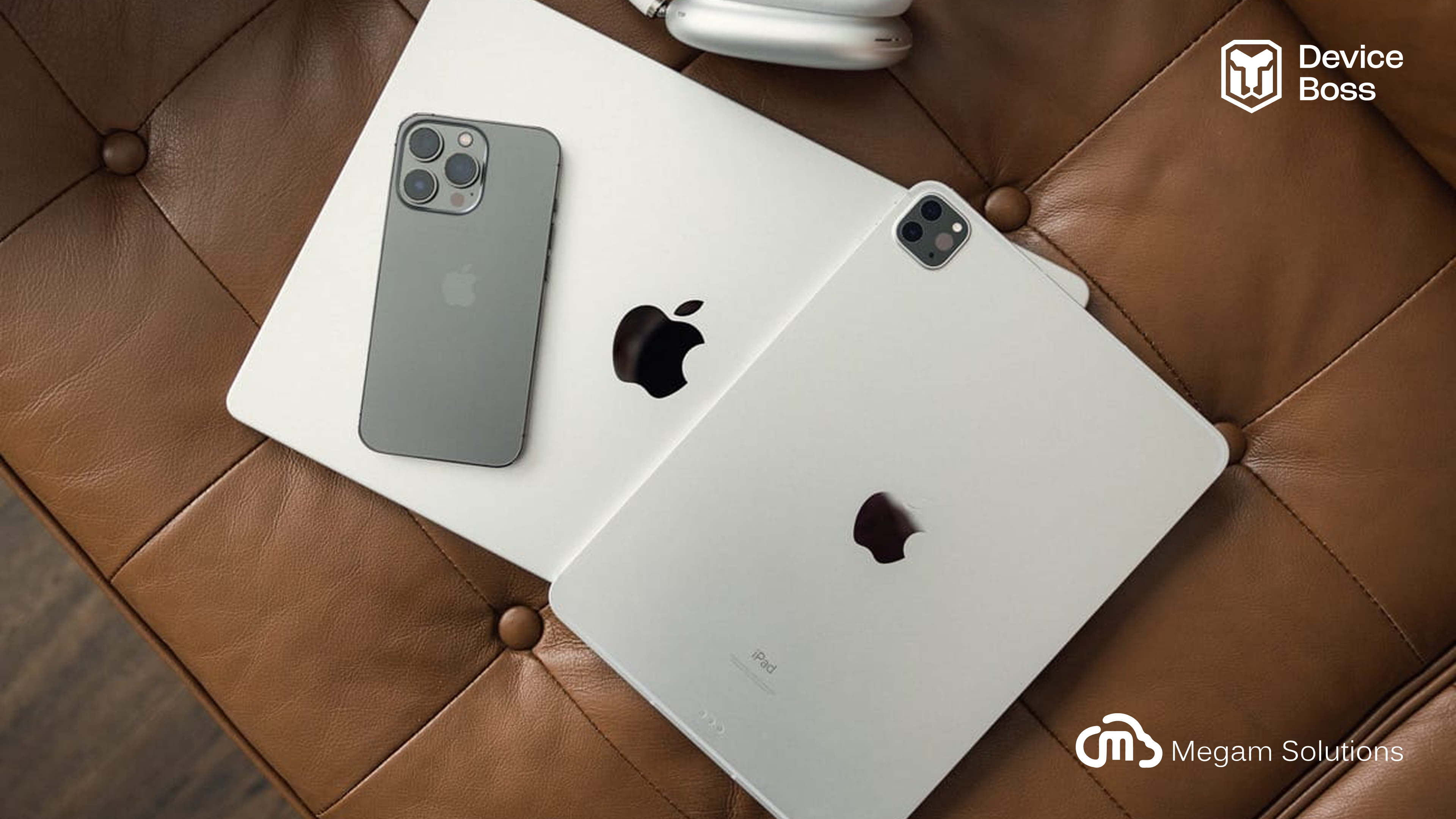
The Ultimate Guide to Apple Device Management for Modern Enterprises
Apple devices are now at the center of modern workplaces. From MacBooks powering developers to iPhones enabling remote teams, businesses are increasingly adopting the Apple ecosystem for performance, security, and user experience.
But managing Apple devices at scale isn’t simple. Organizations need powerful Apple Mobile Device Management (MDM) solutions to secure endpoints, deploy applications, enforce policies, and maintain compliance across macOS, iOS, and iPadOS environments.
In this blog, we’ll explore the best Apple MDM solutions in 2026, compare their features, and help you choose the right platform for your organization.
Apple Mobile Device Management (MDM) is a solution that allows organizations to remotely manage Apple devices such as:
● Mac (macOS)
● iPhone (iOS)
● iPad (iPadOS)
With an Apple MDM solution, IT teams can:
● Enroll and configure devices automatically
● Deploy applications remotely
● Enforce security policies
● Restrict device features (AirDrop, camera, etc.)
● Monitor device compliance
● Lock or wipe devices remotely
Apple MDM is essential for organizations implementing BYOD (Bring Your Own Device) or managing corporate-owned Apple devices.
With the rise of hybrid work and distributed teams, Apple device usage has grown significantly. However, this also introduces risks:
● Data leakage from unmanaged apps
● Unauthorized access to corporate systems
● Lack of visibility into device security
● Compliance challenges in regulated industries
Apple MDM solutions solve these problems by providing centralized control, endpoint security, and automation.
Before choosing a platform, here are the must-have features:
1. Automated Device Enrollment
Zero-touch deployment using Apple Business Manager ensures devices are ready out of the box.
2. Application Lifecycle Management
Deploy, update, and manage apps across macOS, iOS, and iPadOS devices.
3. Security and Policy Enforcement
Control device features such as:
● Camera and screenshots
● AirDrop and AirPlay
● Clipboard sharing
● USB data transfer
4. Patch Management
Keep devices updated with the latest OS and security patches.
5. Remote Device Control
Lock, unlock, or wipe devices in case of loss or security incidents.
6. Compliance Monitoring
Ensure devices meet regulatory and organizational security standards.
When selecting an Apple MDM platform, consider:
1. Device Coverage
Does it support macOS, iOS, and iPadOS fully?
2. Security Capabilities
Look for advanced features like:
● Data Loss Prevention (DLP)
● Clipboard restrictions
● USB and external device control
3. Ease of Deployment
Zero-touch enrollment and automation reduce IT workload.
4. Scalability
Ensure the platform can grow with your organization.
5. Cross-Platform Support
Solutions like Device Boss provide both Apple and Android management, reducing the need for multiple tools.
| Feature | Apple MDM | Traditional IT Management |
|---|---|---|
| Remote management | Yes | Limited |
| Automation | High | Low |
| Security enforcement | Advanced | Basic |
| BYOD support | Yes | Limited |
| Real-time visibility | Yes | No |
✔ Improved endpoint security
✔ Faster device deployment
✔ Reduced IT workload
✔ Better compliance management
✔ Enhanced employee productivity
1. Device Boss MDM
Device Boss MDM is a modern, enterprise-ready Apple device management solution designed to simplify IT operations while strengthening endpoint security.
Key Apple Management Features
iOS Device Management
● Device enrollment and provisioning
● Application management and deployment
● Patch and OS update management
● Outlook integration
● Camera and screenshot restrictions
● Remote lock and unlock
● Clipboard restriction between managed and unmanaged apps
macOS Device Management
● Supervised Mac enrollment
● Application lifecycle management
● Patch management
● Outlook integration
● AirDrop, AirPlay, and Bluetooth restrictions
● External application restriction
● USB data transfer restriction
● macOS device visibility in dashboard
Why Choose Device Boss?
● Unified Apple + Android management
● Strong Data Loss Prevention (DLP) capabilities
● Enterprise-grade security controls
● Centralized dashboard with real-time visibility
● Scalable for growing organizations
2. Jamf Pro
Jamf Pro is one of the most well-known Apple-focused MDM platforms, widely used across enterprises, education, and government sectors.
Key Features
● Deep Apple ecosystem integration
● Automated device deployment
● macOS and iOS configuration
● Security and compliance enforcement
● App distribution for Apple devices
3. Mosyle
Mosyle provides a unified Apple management platform with strong automation and security features.
Key Features
● Apple device enrollment and provisioning
● Application management and updates
● Endpoint security for macOS and iOS
● Automation workflows for IT teams
4. SimpleMDM
SimpleMDM is a lightweight MDM solution designed for startups and mid-sized businesses managing Apple devices.
Key Features
● Easy Apple device enrollment
● macOS and iOS configuration
● Application deployment
● Cloud-based management
5. Microsoft Endpoint Manager
Microsoft Endpoint Manager supports Apple device management alongside Windows and Android platforms.
Key Features
● Cross-platform device management
● Security and compliance policies
● Identity and access integration
● Cloud-based endpoint management
Apple device management is evolving with:
● Zero Trust security models
● AI-driven compliance monitoring
● Automated patch management
● Advanced endpoint analytics
● Integration with cybersecurity platforms
Organizations adopting modern MDM solutions today will stay ahead of future security challenges.
Apple devices are powerful tools for modern businesses, but without proper management, they can introduce security risks and operational challenges.
Choosing the right Apple MDM solution ensures:
● Secure device management
● Seamless employee experience
● Strong compliance posture
● Scalable IT operations
Ready to Manage Apple Devices Smarter?
Device Boss MDM helps organizations take control of Apple devices while simplifying IT operations and strengthening endpoint security.
Request a Demo | Explore Apple Device Management link to device boss iOS/macOS